
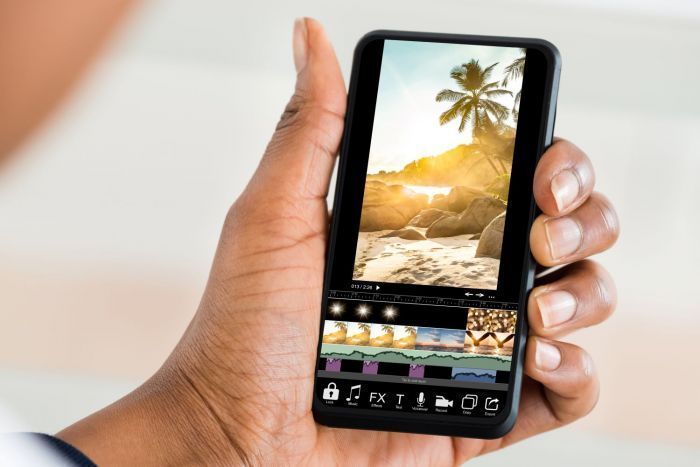
With the advancement of technology, taking good photos has become easier than ever. You don’t need to carry heavy gear; you can fully rely on a powerful smartphone in your pocket. However, even the best photos often need a little touch-up to look their absolute best.
Can you retouch photos on an iPhone? Absolutely! The iPhone comes equipped with a robust set of built-in photo editing tools. These tools include options for basic adjustments and advanced retouching techniques. Furthermore, Apple’s App Store offers various image-enhancing applications for every budget, creative goal, and editing proficiency level.
This article familiarizes you with image post-processing on an iPhone, from basic adjustments to advanced editing tricks, ensuring you achieve a polished and professional look every time.
Getting Started
Photo retouching on an iPhone begins with mastering the built-in photo editor. Open the Photos app and find an image in your gallery you want to work on. Tap the “Edit” icon in the upper right corner to access the toolkit.
Here, you can perform basic adjustments. Ensure the photo is neither too light nor too dark. Modify the color intensity. Adjust brightness and experiment with contrasts. Control and modify the intensity of your adjustments with the sliders. Crop and straighten your picture to recompose it.
You can apply a filter from a built-in set, but regard that it may not fully cover your photo editing needs. You may need to install third-party applications to unleash your creative potential. Go to Apple’s App Store and observe the good photo filter apps it offers.
Advanced Retouching
Removing Blemishes
Knowing how to edit